How to take meeting notes automatically with AI (and get action items you can trust)
Let an AI note-taker record, transcribe and summarize your calls, then turn the notes into clear action items. Setup, prompts and the privacy checks to do first.
We may earn a commission if you sign up through links on this page. It costs you nothing and never decides what we recommend. Learn more
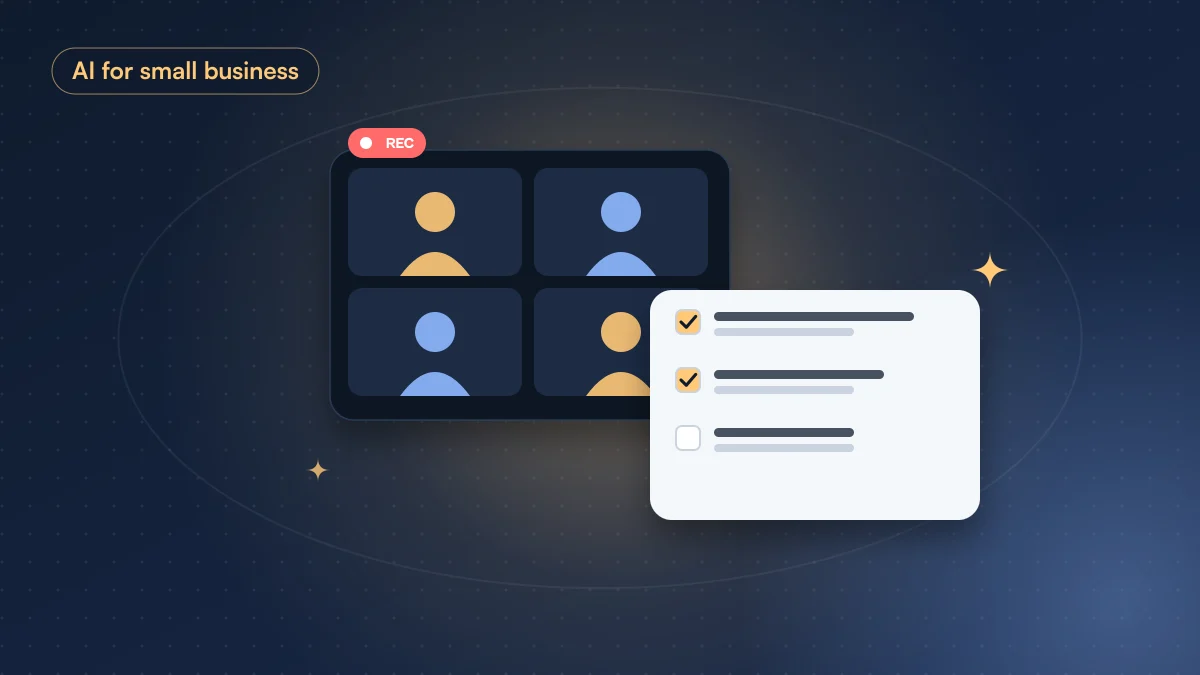
An AI note-taker joins your call, records it, writes a transcript and hands you a summary a minute after you hang up. The recording part works well in every major tool now. Where people go wrong is trusting the summary blindly, or connecting a tool to their whole calendar without reading what it does with the recordings.
What you need
- A meeting on Zoom, Google Meet or Microsoft Teams. Most note-takers also record in-person meetings from a phone app.
- An AI note-taker. All four below have a free plan to start.
- Two minutes before your first call to check the privacy settings.
| Tool | Free plan | Paid from | Trains on your data? |
|---|---|---|---|
| Fireflies | Yes | $10/mo (yearly) | Says no |
| Otter | Yes | $8.33/mo (yearly) | Yes, de-identified |
| Fathom | Yes | $15/user/mo (Team, yearly) | De-identified, opt-out |
| Granola | Yes | $14/user/mo (Business) | De-identified, opt-out |
Prices and policies from each tool’s own pages, checked October 2026. See the full details in our AI tools list.
Our starting pick is Fireflies: it has a free plan, works across the big three meeting apps, and says it does not train on your personal information. Granola is worth a look if you dislike a bot joining the call, because it listens through your computer instead.
Step 1: Set it up the safe way
Before you connect your calendar:
- Turn off auto-join for every meeting. Start with “only meetings I host” or manual invites. Otherwise the bot will join calls you never meant to record.
- Find the training setting and switch it off if the tool offers one.
- Decide who gets the notes. Many tools email the summary to every attendee by default. Change it to “only me” until you trust the output.
Step 2: Tell people at the start
Say it out loud: “I’m using an AI note-taker so I can listen properly. Shout if you’d rather I didn’t.” It’s polite, and in many places it’s the law.
Step 3: Ask for the summary you actually need
The default summary is generic. Most tools let you ask questions about the meeting afterwards. Paste this into the tool’s chat, or paste the transcript into any assistant:
From this meeting transcript, give me:
- A three-sentence summary of what was decided.
- Every action item as a table: task, owner, deadline. If no owner or deadline was said out loud, write “not agreed” instead of guessing.
- Open questions nobody answered.
- Anything someone promised a customer or client.
Quote the exact words for each decision.
“Write not agreed instead of guessing” is the important line. AI summaries love to invent tidy owners and deadlines that nobody actually agreed to.
Step 4: Check before you send
Spend 60 seconds on the action items. Jump to the timestamps of anything with a name or a date and listen. Names, numbers and “we’ll do it by Friday” are where transcripts slip, especially with accents, crosstalk or bad audio.
Then send the cleaned-up list, ideally within the hour while everyone still remembers the call.
Bottom line
Pick one note-taker, start with auto-join off and training off, tell people you’re recording, and use a prompt that refuses to invent owners and deadlines. You’ll listen better in the meeting and spend about a minute on notes afterwards instead of twenty.
Questions people ask
Do I need to tell people an AI is recording the meeting?
Yes. Many countries and US states require consent from everyone on a recorded call, and most note-takers announce themselves anyway. Say it at the start, and turn it off if someone objects.
Which AI note-taker is best for privacy?
Check each tool's data policy before you connect your calendar. Fireflies says it does not train on your personal information; Fathom and Granola train on de-identified data with an opt-out; Otter trains on de-identified audio and transcripts. Otter and Fireflies also face privacy lawsuits in the US (allegations, not findings). Details and sources are on each tool's card in our AI tools list.
Can AI meeting notes replace minutes for a formal meeting?
Use them as a draft. For board meetings or anything legal, a person should check the summary against the recording before it becomes the official record.
More use cases like this
How to reply to emails faster with AI (without sounding like a robot)
Your inbox eats an hour or more a day, and half of the replies are the same few kinds of message.
 Best pick: Microsoft CopilotUp to 1h a day
How to clean messy spreadsheet data with AI
Your spreadsheet has duplicate rows, five spellings of the same company and three date formats, and the report is due tomorrow.
 Best pick: ChatGPTAbout 1h saved
How to make a presentation with AI that doesn't look AI-made
You need a decent slide deck by tomorrow and you don't have the time, or the design skills, to build it from scratch.
 Best pick: GammaUp to 3h saved